
Scenario 1 · Build me a strategy
Not advertising yet and want to plan first? Tell AI your product + market + budget, and get a complete growth map back.
What this scenario solves
Product's about to launch but you don't know which channel to start with? How to split the budget? What to do in the first 3 months? This scenario is here to help you think all of that through — tell AI your product, market, and monthly budget, and it gives you a systematic growth strategy. No account connection needed.
How to use it
Build a growth strategy for my product: [product URL]. Target market: [region]. Monthly budget: [amount].The sections AI usually gives you
- Market and audience — who sees it, how big the market is, what they care about most
- How to choose channels — which channels fit you and why
- How to split the budget — broken out by channel and by phase
- 3-month roadmap — what to do first each month, then next
- How to design experiments — which A/B tests to run first and what they validate
- Which metrics to watch — north star metric + supporting metrics
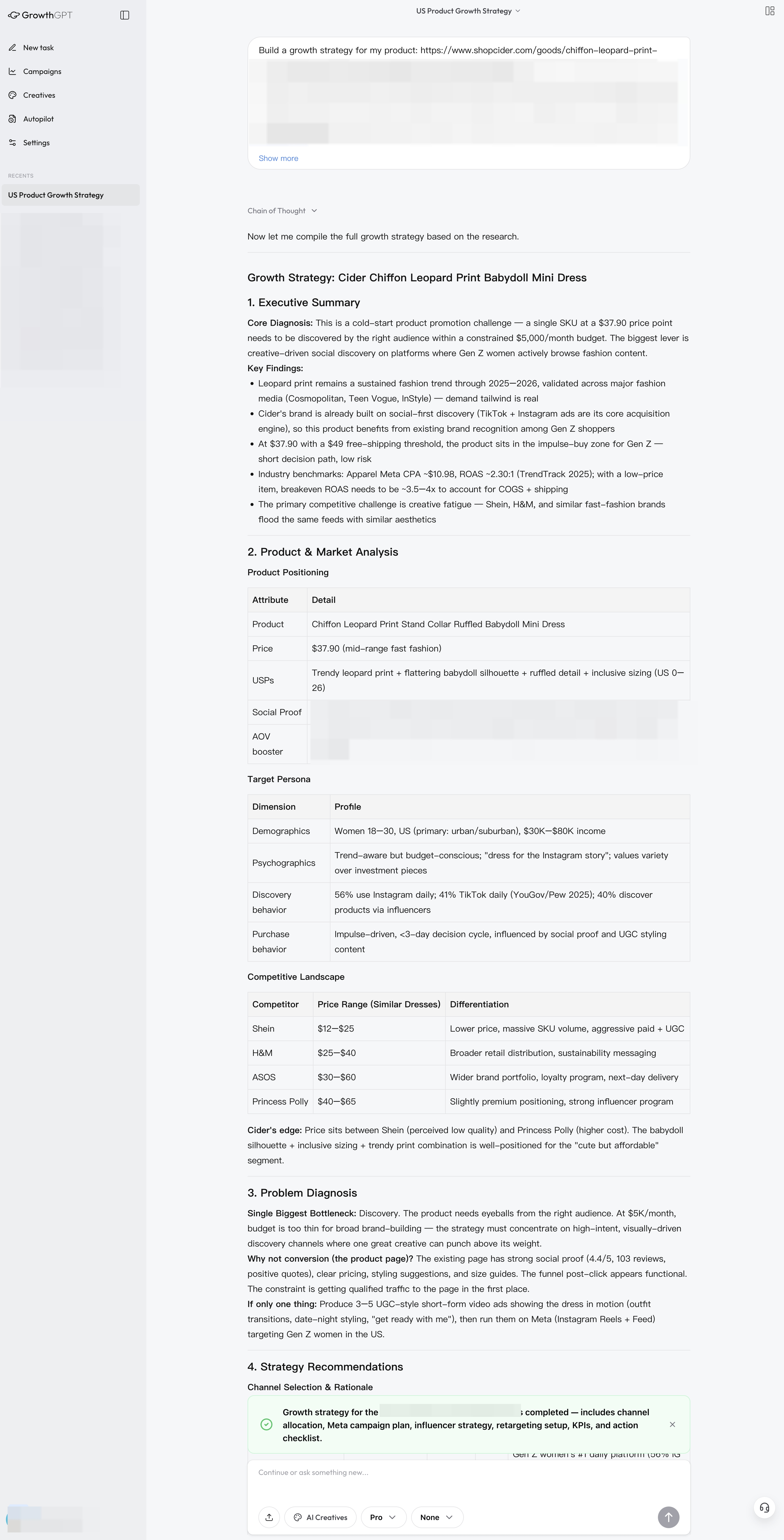
Real growth strategy output (anonymized) · Ask once, get once — the whole battle map handed to you
When it's most valuable: when your product is just getting off the ground and not advertising yet — use this to produce the strategy map first, then use Launch Campaign to turn it into concrete ads.
Your First AI Diagnostic Report
Right after connecting an account, try "Diagnose my ads over the last 7 days" — this article walks you through what each section of the AI report is telling you.
Scenario 2 · Scope out the competition
Want to know what a competitor is running on Meta/TikTok, what they're selling, and how they go viral? One sentence — AI pulls real data + a complete AARRR funnel + a directly actionable playbook.