
30-Second Sign-Up + First Conversation
New to GrowthGPT? This article walks you through sign-up, login, and your first conversation. You'll see real output within 1 minute.
What you'll do here
- Sign up and log in
- Get familiar with the main interface
- Send your first message and see what AI sends back
Five steps
① Open growthgpt.app
Latest Chrome or Safari recommended.
② Click Get Started or Log in (top right)
They both go to the same login page.
③ Choose Google or Facebook
Only SSO is supported — no email-and-password sign-up. Heads up: if you already have a Facebook Business Manager account that manages your ads, log in with that one — it'll save you a step when connecting Meta later.
④ Authorize
Click "Allow" a couple of times — you'll be auto-redirected to the chat page.
⑤ Send your first message
Not sure what to say? Try "Analyze the ad strategy of the Cider brand" — no account connection needed, AI works from public info.
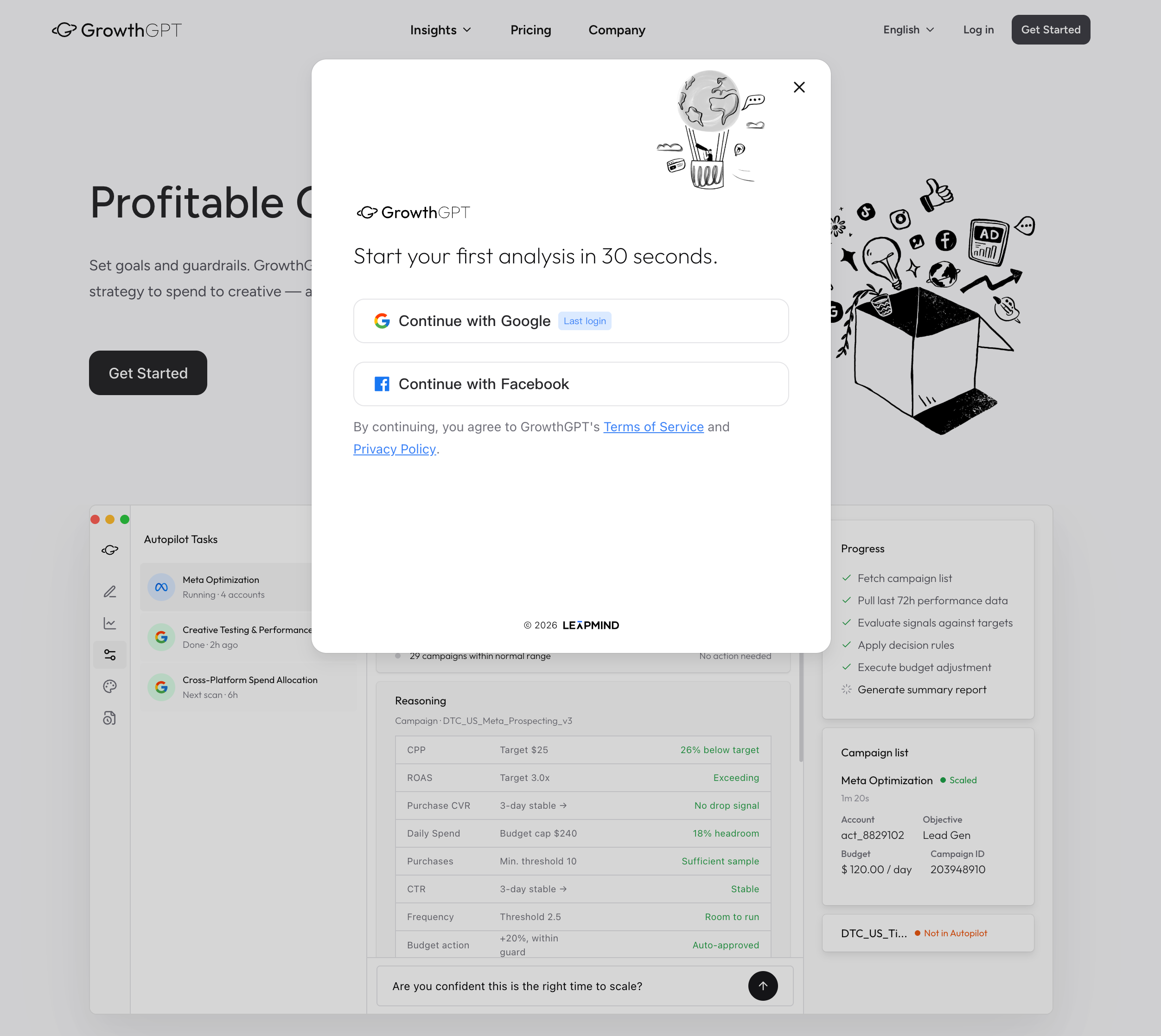
Two buttons, that's it · Google and Facebook, one each — whichever you used last time gets a "Last login" tag.
What to send first?
Stuck? Pick any one of these three openers — all safe bets:
"Analyze [competitor name] — focus on their Meta and TikTok ad strategy"

"I sell [product category], my monthly budget is around [$X]. Build me a growth strategy."

"I'm new here — give me a quick tour of everything GrowthGPT can do."
One note: speaking to AI in any language is totally fine — it's multilingual. The English in the templates above is just for reference; type in whatever you're comfortable with.
See What the Agent Did For You — In 5 Minutes
Not sure it's worth your time? Spend 5 minutes on one real result — three actions, and you'll have your first AI diagnostic report.
Connect Your Ad Account (The Core One)
GrowthGPT's real value kicks in once you connect an ad account — this article shows you both ways to connect (chat + the Settings button) and what happens right after.