When Ad Optimization Becomes Manual Labor
A practical guide to automating repetitive ad operations across Meta, TikTok, and Google — using rule-based automation that executes the logic you've already figured out.
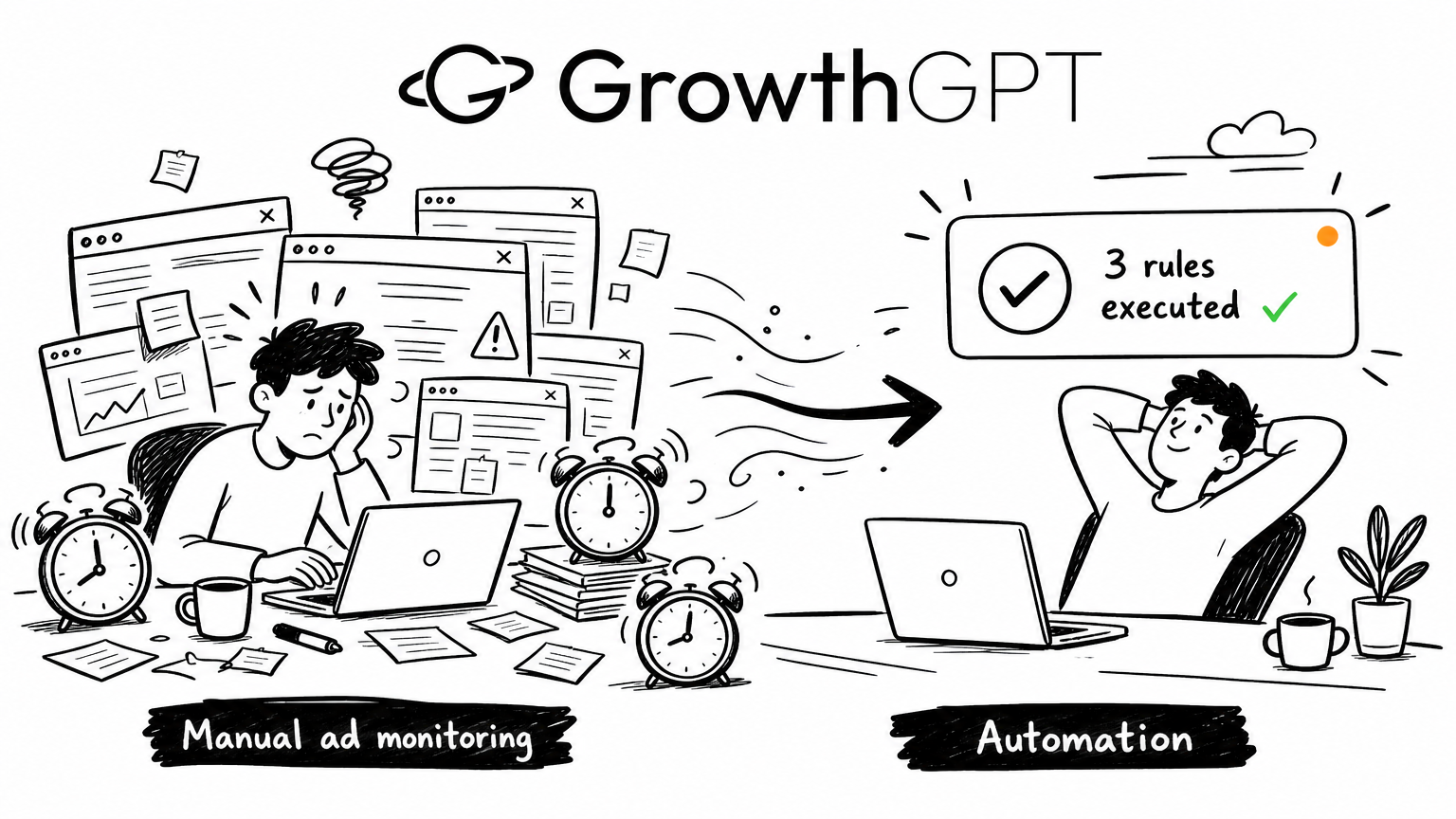
How I cut daily ad monitoring from 3 hours to 15 minutes
Let's talk about your morning
9 AM. You open your laptop. First tab: Meta Ads Manager. Second tab: TikTok Ads. Third tab: Google Ads.
You're scanning for the same things you scanned for yesterday. Which ads burned money overnight with zero conversions? Pause those. Which ones are crushing it on ROAS? Bump their budgets. Any CPA spikes? Pull back spend before it gets worse.
Thirty minutes gone. Three dashboards. Same decisions as yesterday.
Now multiply that by five accounts. Or do it on a Saturday. Or during Black Friday week when every hour matters.
At some point it hits you: you're not making decisions anymore. You're just executing the same decisions over and over.
The problem isn't strategy. It's execution.
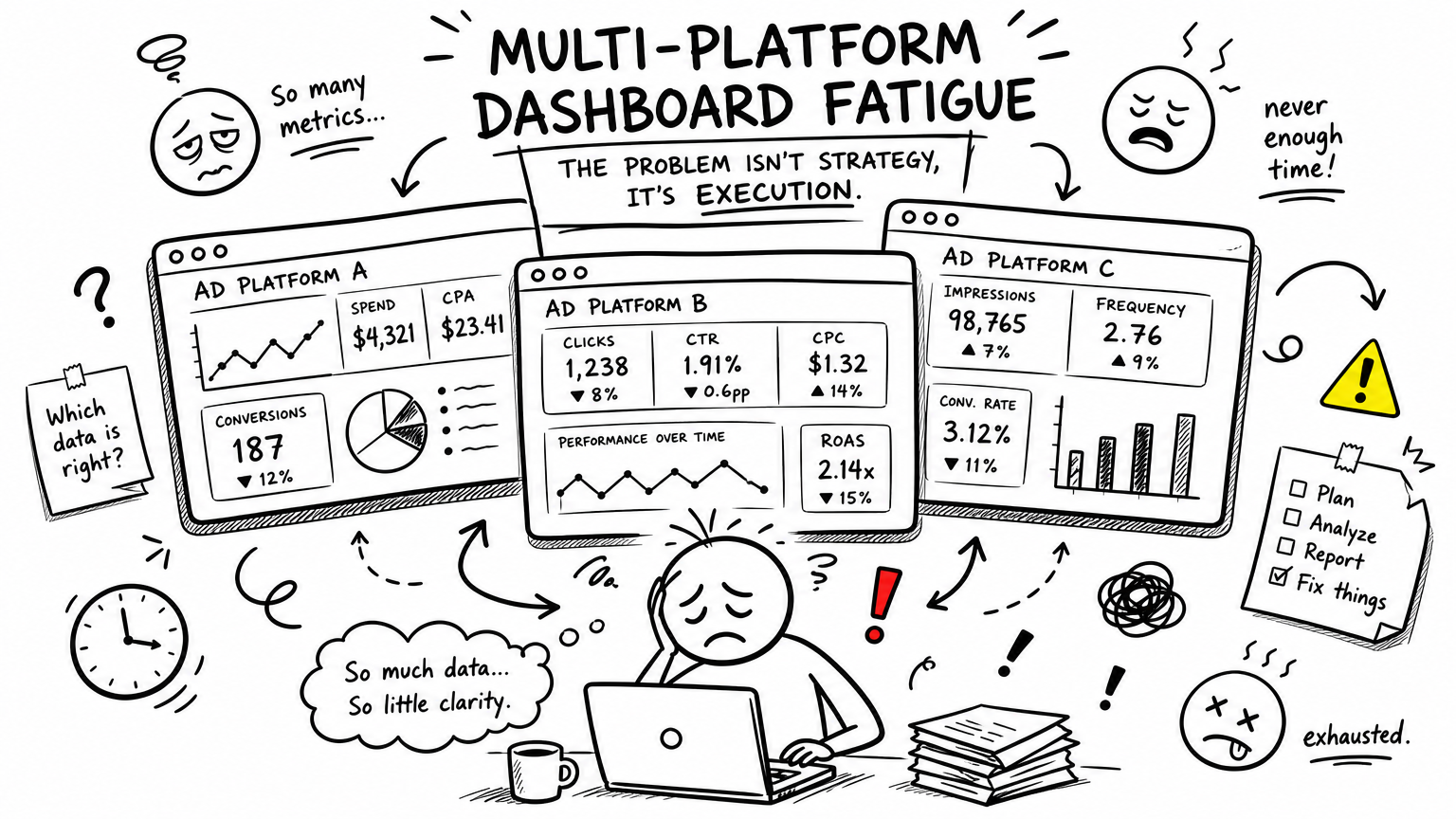
Most of what you do every day can be written as an IF…THEN statement:
- IF spend > $50 and conversions = 0 → THEN pause
- IF ROAS > 2.5 for 3 consecutive days → THEN increase budget
- IF CPA spikes to 2x the 7-day average → THEN reduce spend
The logic isn't hard. What's hard is doing it across three platforms, dozens of ad sets, every single day, without missing anything.
Platform-native rules help — a little. But if you've used them, you already know the pain:
- Meta rules only see Meta. TikTok rules only see TikTok. You're maintaining three separate rule systems with three different interfaces.
- No preview. You set a rule, it fires, and sometimes it kills your best-performing ad before you notice.
- Two rules conflict — one pauses, one scales — and the platform doesn't tell you. You find out when performance tanks.
Platform rules were built for simple, single-platform logic. The reality of running paid media in 2026 is multi-platform, multi-account, layered logic, zero margin for error.
The real bottleneck isn't thinking. It's doing.
There's a common assumption that the most time-consuming part of media buying is analysis.
It's not.
The real time sink is the stuff you've already figured out — but still have to do manually. Every day. Multiple times a day.
Pausing underperformers. Adjusting budgets. Checking for anomalies. Syncing logic across platforms.
None of this requires creativity. None of it requires judgment. But all of it requires attention.
And when you're managing more accounts, across more platforms, with more creatives in rotation — the bottleneck stops being "what should I do?" and becomes "I already know what to do, I just can't do it fast enough."
Hand off the logic you've already decided on
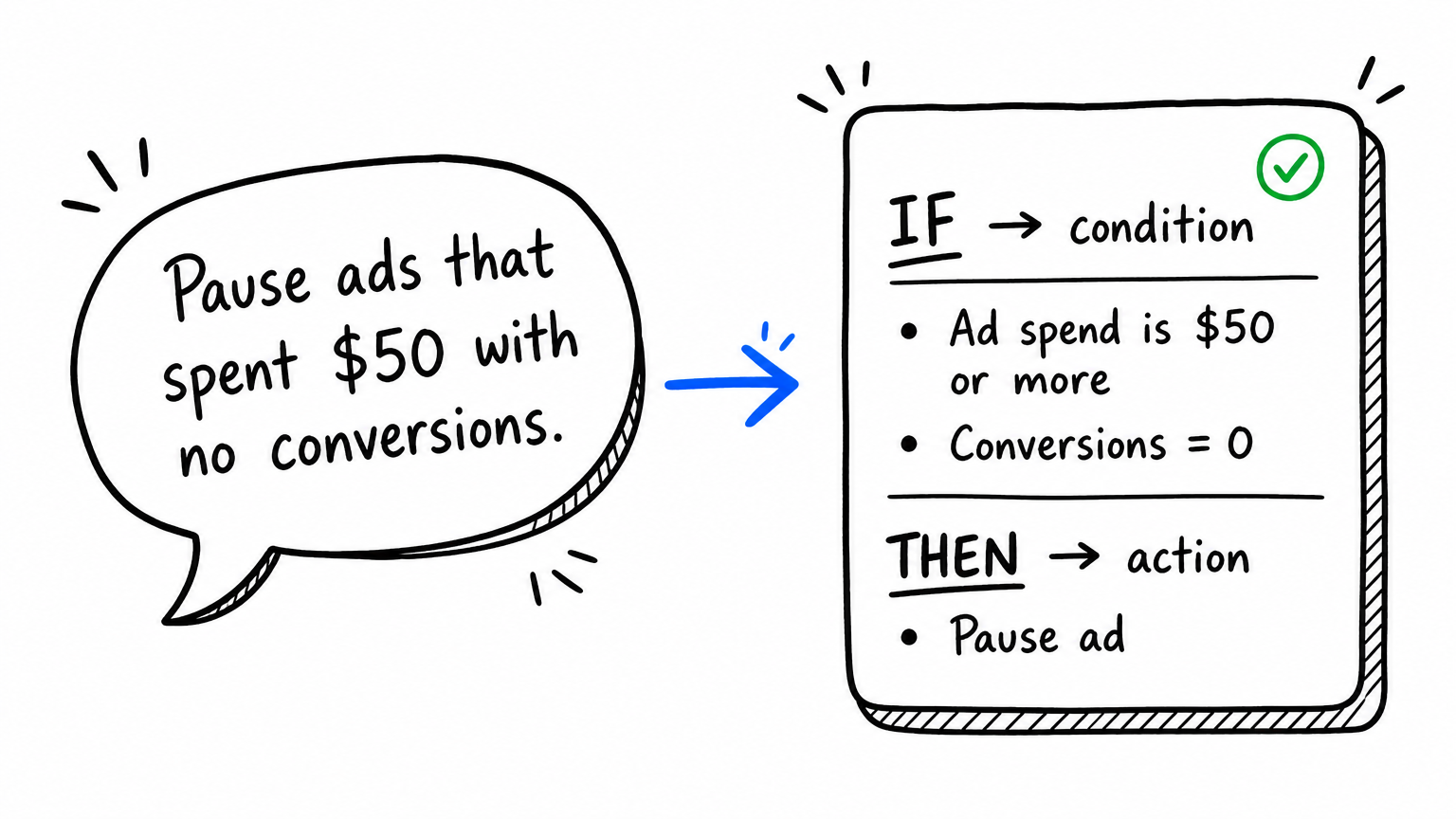
That's why we built Custom Rules.
You type one sentence:
"For Meta Ad Sets that spent over $50 with CPA above $15, reduce daily budget by 20% every morning at 10 AM. Don't go below $30."
Two minutes later, you have a rule ready to go. Before it runs, you can see:
- Which Ad Sets it would hit today
- What percentage of your spend is affected
- Whether it conflicts with any existing rule
If it looks right, activate it. It runs on schedule across Meta, TikTok, and Google — same logic, same interface, same reporting.
No code. No field lookups. No configuring the same thing three times in three different UIs.
Three rules you can set up tomorrow
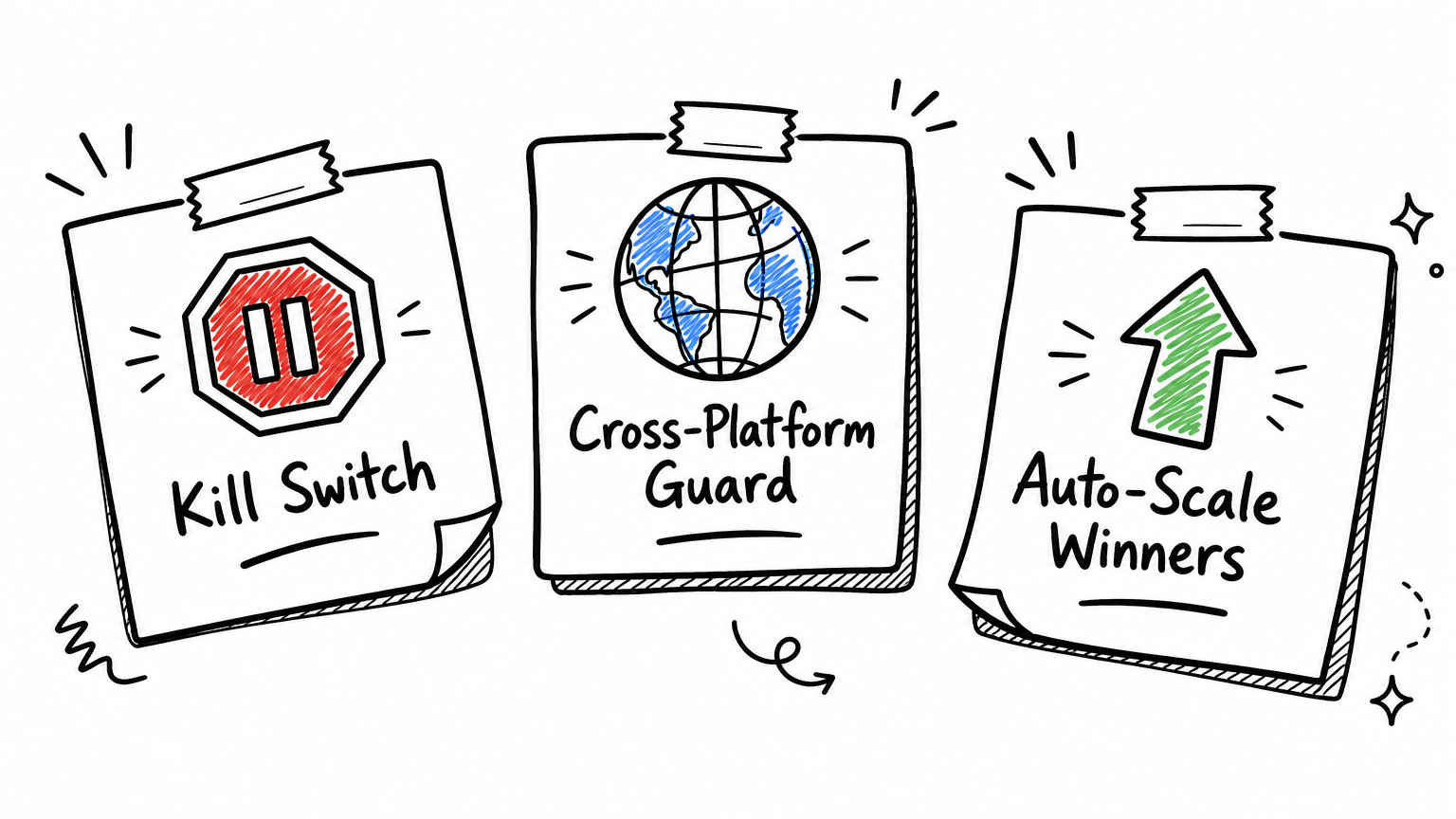
Rule 1: Cold-start kill switch — stop burning money on dead creatives
The problem: You launch 10 new creatives. Three of them aren't converting, but they keep spending. During business hours you catch them. Overnight and on weekends, they just burn.
The rule:
Spend > $30 since creation AND conversions = 0 → Pause. Check every hour.
One rule. All platforms. All accounts. Creatives that can't convert get shut down automatically — 24/7.
The outcome: The stop-loss action that used to require manual checks several times a day now runs around the clock. Your weekends are yours again.
Rule 2: Unified guardrails — because three dashboards is too many
The problem: You're running ads on Meta, TikTok, and Google. Each platform has its own rule interface with its own syntax. Same kill logic means configuring it three separate times. One change means updating three places.
The rule:
Spend > $100 AND CTR below 1% → Notify me. Check daily.
Start with notify-only. Watch what it catches for a few days. Once you trust the logic, switch it to auto-pause. All three platforms managed from one interface. Results in one unified report.
The outcome: Instead of logging into three dashboards every morning, you review one report. Your time goes to decisions, not dashboard-hopping.
Rule 3: Auto-scale winners — stop leaving money on the table
The problem: Peak season. A campaign is delivering consistent ROAS above target. But you're busy putting out fires elsewhere. By the time you get around to increasing its budget, the window has passed.
The rule:
ROAS > 2.5 over the past 3–7 days → Increase budget by 30%, cap at $2,000/day. Check daily.
The system watches all your campaigns. When one qualifies, it scales. When it hits the cap, it stops.
The outcome: High-performing campaigns don't get stuck at yesterday's budget while you're dealing with something else. Spend automatically shifts toward what's working — within limits you set.
"How is this different from what I'm already using?"
The real difference isn't whether you can build rules. It's whether it takes 30 seconds or 5 minutes — and what happens when something goes wrong.
| Platform Native Rules | Third-Party Tools | GrowthGPT Custom Rules | |
|---|---|---|---|
| Cross-platform | ❌ Siloed per platform | ✅ At additional cost | ✅ Built in |
| Creation method | Manual field selection | Visual rule builder | Natural language |
| Pre-activation preview | Mostly no | Some support | ✅ Dry Run with real data |
| Conflict detection | ❌ | ❌ | ✅ At creation + runtime |
| AI diagnosis alongside rules | ❌ | ❌ | ✅ Rule engine + AI inspection |
| Ads + analytics + automation in one place | ❌ | ❌ | ✅ Single interface |
"What if automation wrecks my account?"
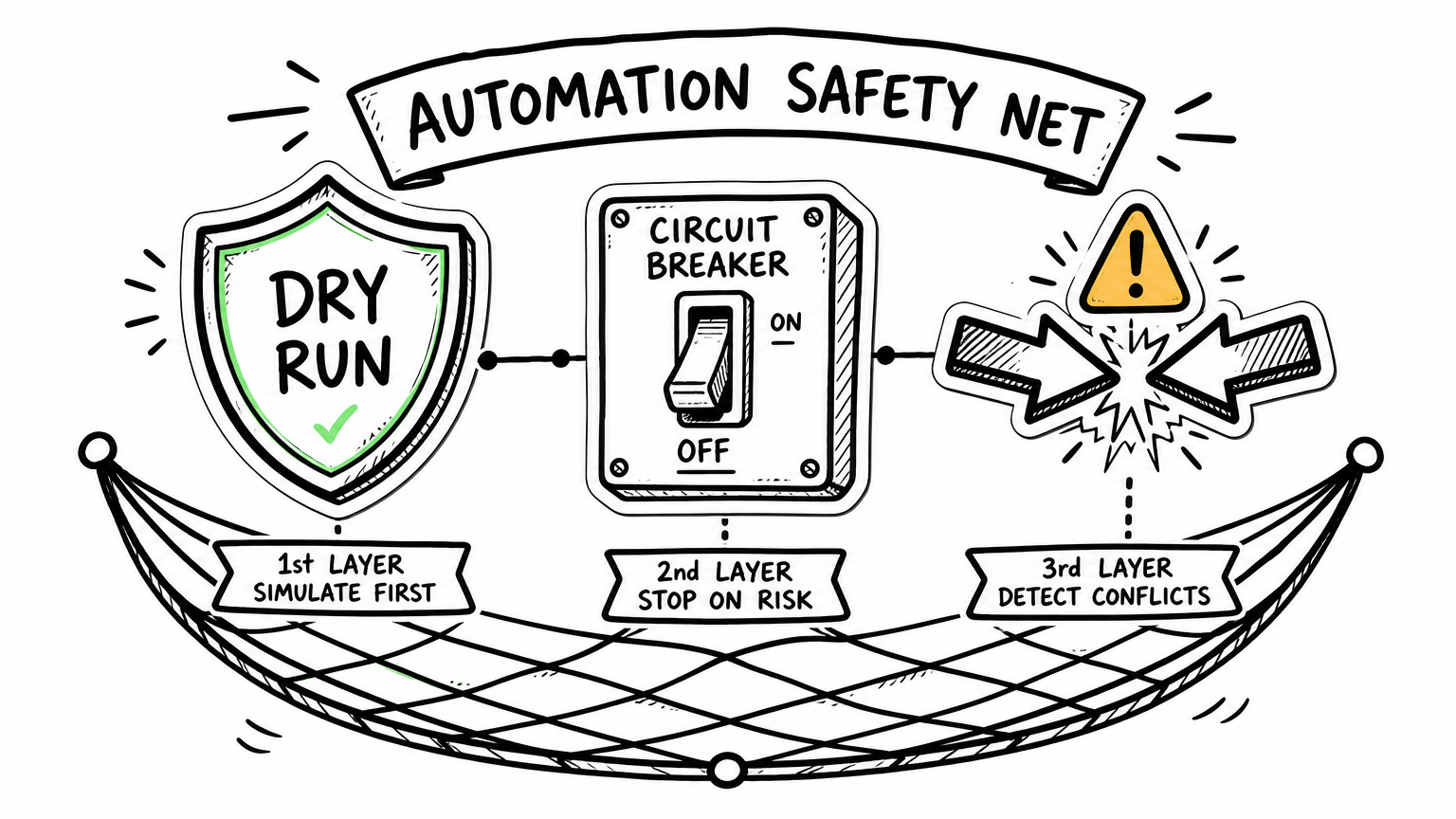
Every media buyer's first concern. It was our first design constraint.
Dry Run — Before any rule goes live, it simulates against your real data. You see exactly what would be hit and how much spend is at stake. If you don't like what you see, don't activate. Zero risk.
Notify-only mode — Every rule can start as "alert me, don't act." Watch what it catches for a few days. Once you're confident the logic is sound, flip it to auto-execute. This is how we recommend everyone starts.
Circuit breaker — If platform data comes back empty (API delay, new account, no spend), the rule skips that entire cycle. No action taken on incomplete data. Ever.
Auto-pause on repeated failure — Same rule errors 3 times in a row? It pauses itself and alerts you. A bug won't hammer your account on repeat.
Conflict protection — Two rules match the same ad with contradictory actions (one says pause, one says scale)? Neither fires. The system logs the conflict and notifies you. When in doubt, do nothing.
Is this for you?
Honestly — not everyone needs it.
Good fit:
- You run ads on 2+ platforms with repetitive daily monitoring
- You manage multiple accounts and can't manually watch everything
- You have clear stop-loss and scaling logic but no tool running it 24/7
- You'd rather spend time on strategy and creative than on pause/resume/budget cycles
Not yet:
- Single platform, handful of ads, manual is fine
- Your optimization logic isn't defined yet — you need AI recommendations more than automation (that's what Autopilot's AI Inspection mode is for)
Start with one rule
The work that deserves a media buyer's time is strategy, creative, and allocation — not pressing the same buttons every morning.
A rule engine won't turn someone who doesn't know how to run ads into an expert. It just means someone who already knows what to do doesn't have to keep doing it manually.
If you're already on GrowthGPT, start here:
"Build me a rule: for Meta Ads that spent over $30 with zero conversions, notify me. Run every hour."
Watch it for two days. If the matches look right, switch from notify to auto-pause. That's it. One rule. One sentence. The machine takes the night shift.
Want the full reference — every metric, operator, schedule, and safety mechanism? See the Custom Rules complete guide.